Introduction
A first audio interface should make the recording path easier to understand. More sockets and routing pages can be useful later, but they also add decisions when someone is still learning input level, monitoring, track selection, and microphone technique. The right beginner choice is capable enough for the intended project and clear enough to troubleshoot without guesswork.
This guide starts with the source and works toward the computer. It favors visible controls, documented setup steps, and a modest amount of flexibility. The editorial recommendations are organized by learning scenario rather than by a claim that one model suits every new creator.
Build a clear, evidence-led product review
Replace this introduction with the reader problem, the decision criteria, and the scope of the review.
How to evaluate these products
Document the sources, comparison criteria, and limitations used for this article. Remove any criterion you cannot substantiate.
- Define the reader outcome each criterion measures.
- Record how specifications and documentation were checked.
- Disclose evidence limits and unresolved questions.
Product name and review summary
Describe the strongest use case, key limitation, and the evidence readers should weigh before choosing this product.
Pros and cons
Strengths
- Replace with a specific, supportable advantage.
- Explain who benefits from this strength.
Trade-offs
- Replace with a meaningful limitation.
- Clarify when this compromise matters.
Editorial verdict
Summarize the best-fit reader, the deciding strength, and the limitation that could change the recommendation.
Frequently asked questions
What should readers compare first?
Replace this answer with the first criterion that meaningfully changes the buying decision.
Which limitations deserve attention?
Replace this answer with relevant compatibility, setup, maintenance, or support constraints.
Decision criteria
Name the first three projects. A voice recording, an electric guitar track, and a two-person interview imply different sockets and simultaneous channel needs. Note whether a microphone requires phantom power, whether an instrument connects directly, and whether a keyboard supplies mono or stereo line outputs. This short exercise is more reliable than buying extra channels without a plan.
Look for controls that teach the signal flow. An input gain control near its socket, a clear level indicator, a separate headphone level, and an obvious direct-monitor option reduce ambiguity. Read the quick-start guide before choosing; a well-written guide can reveal how input modes are selected, what software must be installed, and where common setup mistakes are addressed.
Match the existing computer rather than planning around an adapter chain. Check the port, protocol, operating-system version, and power arrangement in current official information. If the interface uses a control application, confirm that the application supports the computer. New users should also check whether their recording software can select separate input channels without complicated routing.
Who this guide is for
A strong fit
Describe the reader, environment, and priorities this advice addresses.
Look elsewhere when
Name the needs or constraints that call for a different category of product.
Editorial recommendations
Editorial recommendation — voice or single instrument learner: a compact interface with one microphone-capable input, one instrument path, headphone monitoring, and simple status feedback can keep lessons focused. A two-channel variant offers more room if voice and instrument will be captured together. Choose the layout that makes input mode and level visible.
Editorial recommendation — beginner podcast or conversation: shortlist two microphone-capable channels and make headphone planning explicit. One headphone output may require a suitable distribution solution for two speakers. Confirm that both inputs can operate in the needed mode together and that recording software can place them on separate tracks if editing requires it.
Editorial recommendation — keyboard-based creator: confirm true stereo line-input availability and whether those sockets share channels with microphone inputs. A large headline input count can obscure this detail. Keep a microphone option only if voice or acoustic recording is part of the near-term plan.
Frequently asked questions
What should readers compare first?
Replace this answer with the first criterion that meaningfully changes the buying decision.
Which limitations deserve attention?
Replace this answer with relevant compatibility, setup, maintenance, or support constraints.
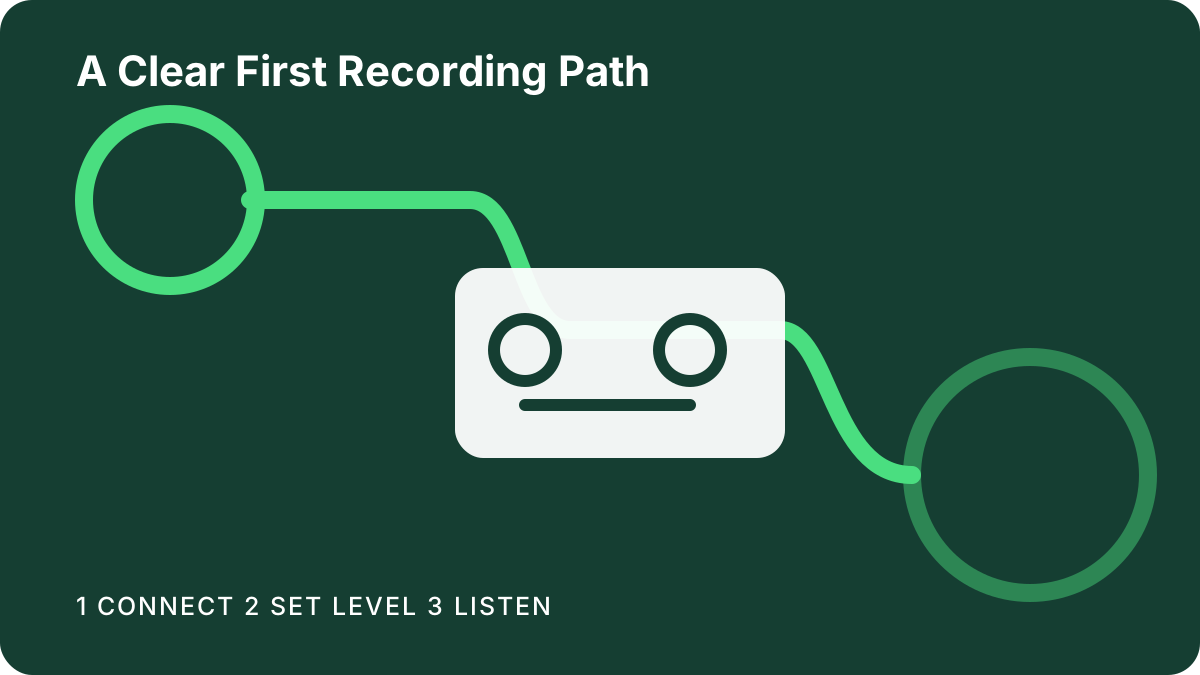
A calm first-session plan
Install current software from the manufacturer, restart if instructed, and choose the interface in the recording application. Connect monitors at low level or begin with headphones. Create one track, select the intended input, and speak or play while raising gain gradually. Keep the signal below clipping and use direct monitoring when it helps separate input monitoring from software playback.
Record a short passage, play it back, and label the session with notes about the selected input and control positions. Then repeat with the second source. Learning one path at a time makes future troubleshooting easier. Store the official manual link with these notes so support details are available when the computer or recording application changes.
Selection limitations
Beginner friendliness is subjective and can be affected by vision, reach, language, prior software experience, and the type of project. This guide evaluates documented workflow characteristics; it does not establish long-term durability, universal ease of use, or compatibility with every accessory.
Confirm exact requirements with the manufacturer and recording-application vendor. Ask a retailer about returns if control size or accessibility cannot be judged from documentation. A learner planning several microphones, separate performer mixes, digital equipment, or live-stream routing may benefit from an experienced engineer’s setup advice.