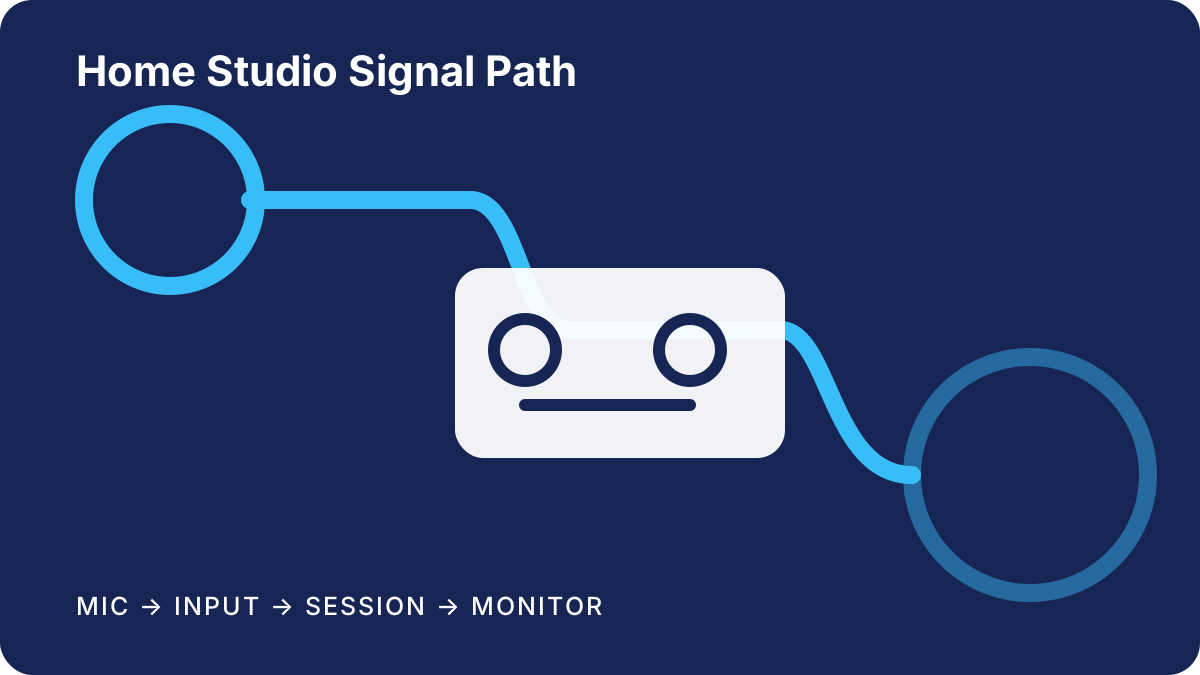
Introduction
A home-studio interface sits between sources, monitoring, and recording software, but the most suitable choice depends on a room’s actual workflow. A singer recording one microphone has different priorities from a songwriter tracking voice and keyboard together, while a small ensemble may need several inputs available at once. Start with the session you expect to run most often instead of choosing from a feature count alone.
This guide organizes the decision around connection planning, monitoring, computer support, and sensible expansion. The recommendations are editorial shortlists for common situations, not universal rankings. A model can be a strong fit for one desk and an awkward fit for another if cable reach, controls, or software support do not match the setup.
Decision criteria
Count simultaneous sources, not every instrument you own. A microphone and a mono keyboard part used at different times may share one input; a vocal and stereo keyboard recorded together require three input channels. Note whether sources need microphone preamps, instrument-level inputs, line-level connections, or digital expansion. Also reserve the outputs needed for speakers, headphones, external processors, or a second monitor mix.
Consider control placement before comparing extras. Front-panel gain and headphone controls suit a device kept within reach. Rear connectors can reduce desktop clutter but may frustrate frequent cable changes. Direct-monitor routing can help performers hear an input with less dependence on the recording application, although routing flexibility varies and should be checked in the current manual.
The computer connection deserves equal attention. Match the interface connector to an available port, then read the manufacturer’s current operating-system and driver notes. A plug shape by itself does not establish protocol, bandwidth, or support. If the studio uses a tablet or phone, verify power and app requirements separately rather than assuming desktop support carries over.
Choose the right gear for your needs
Open with the decisions this guide helps readers make, then edit each section with specific and supportable guidance.
Who this guide is for
A strong fit
Describe the reader, environment, and priorities this advice addresses.
Look elsewhere when
Name the needs or constraints that call for a different category of product.
How to evaluate these products
Document the sources, comparison criteria, and limitations used for this article. Remove any criterion you cannot substantiate.
- Define the reader outcome each criterion measures.
- Record how specifications and documentation were checked.
- Disclose evidence limits and unresolved questions.
Top pick: Add product name
Explain the use case this pick serves and the specific features that support the recommendation.
Product name and review summary
Describe the strongest use case, key limitation, and the evidence readers should weigh before choosing this product.
Compare the shortlist
| Gear | Best For | Key I/O | Why It Stands Out |
|---|---|---|---|
| Add product | Add use case | Add connections | Add differentiator |
| Add product | Add use case | Add connections | Add differentiator |
Editorial verdict
Summarize the best-fit reader, the deciding strength, and the limitation that could change the recommendation.
Frequently asked questions
What should readers compare first?
Replace this answer with the first criterion that meaningfully changes the buying decision.
Which limitations deserve attention?
Replace this answer with relevant compatibility, setup, maintenance, or support constraints.
Compare the shortlist
| Gear | Best For | Key I/O | Why It Stands Out |
|---|---|---|---|
| Add product | Add use case | Add connections | Add differentiator |
| Add product | Add use case | Add connections | Add differentiator |
Editorial recommendations
Editorial recommendation — compact solo desk: choose a simple two-input class with an independent headphone control and clearly documented instrument input. This keeps controls understandable and leaves a second channel for a guest, stereo return used one side at a time, or another source. Prioritize stable desk placement and useful metering over a long software bundle.
Editorial recommendation — songwriter with stereo instruments: shortlist devices that can accept a microphone while preserving a stereo pair. Confirm that the stated input count represents channels available at the same time and not alternate sockets sharing channels. A second headphone path is valuable when a collaborator regularly joins sessions.
Editorial recommendation — growing project room: consider enough analog inputs for the next realistic session or a documented digital expansion route. Expansion only helps when the added format, channel availability, sample-rate conditions, and clocking procedure fit the intended equipment. A larger interface is not automatically easier to operate, so compare routing software and front-panel access as part of the choice.
Top pick: Add product name
Explain the use case this pick serves and the specific features that support the recommendation.
Practical setup checklist
Write a one-page signal plan before ordering. List each source, cable type, input mode, monitor destination, and who needs headphones. Mark what must run simultaneously. Then compare that sheet with product manuals and current support pages. This process usually removes products that appear similar in a broad feature table but differ in the few connections that matter to the room.
Leave room for ordinary studio details: balanced monitor cables where supported, a safe microphone connection routine, accessible headphone volume, and ventilation around equipment. Download required control software before retiring an existing setup, and keep installation notes with the studio inventory. These habits matter more over time than a rarely used headline feature.
Selection limitations
This guide is based on documented features and common workflow categories. It does not include laboratory verification, long-term reliability data, retailer inventory, or a promise that a particular driver will suit every computer. Product revisions and bundled software can change without altering a familiar model name.
Treat the shortlist as a starting point. Confirm the exact revision, included cables, power arrangement, return policy, operating-system support, and routing behavior with official documentation and the seller before purchase. Musicians with unusual digital formats, surround monitoring, accessibility requirements, or complex outboard routing may need specialist advice.