Introduction
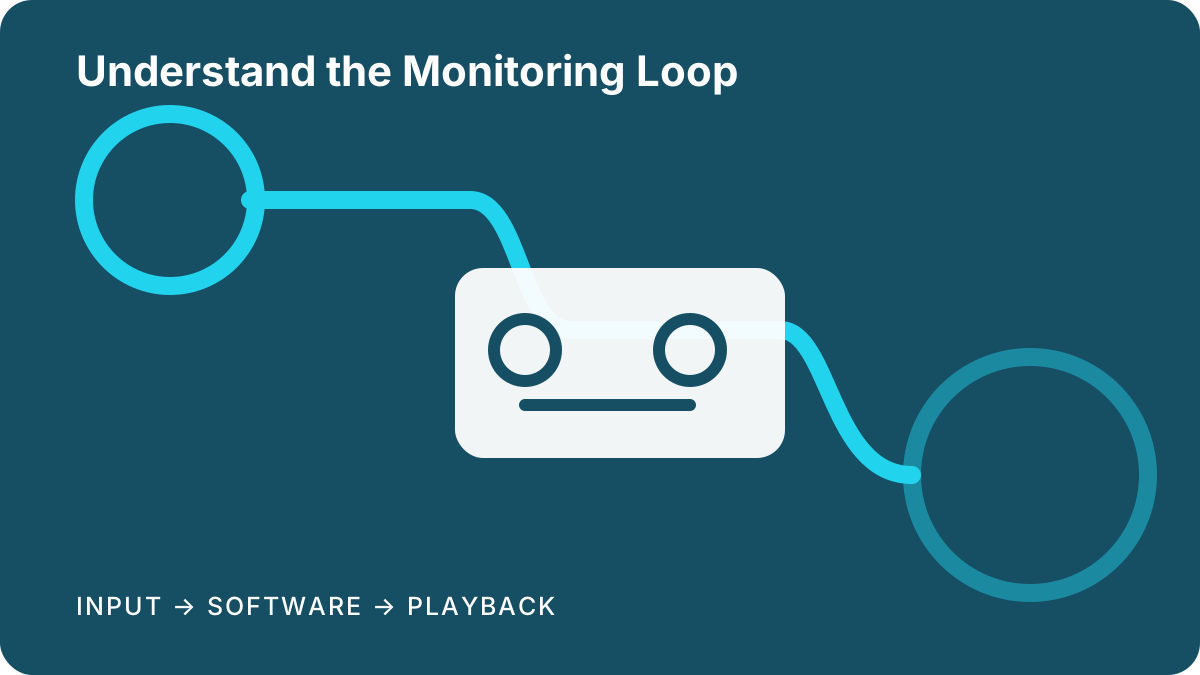
Latency is the time relationship between an action and what returns through a monitoring path. In a recording setup, delay can arise while audio enters the interface, moves through drivers and software, is processed, and returns for playback. The experience depends on the whole system and session, not on the interface name alone.
Understanding the paths is more useful than chasing an isolated performance claim. A vocalist listening through direct monitoring follows a different route from a guitarist hearing software effects. This guide explains the choices that influence those routes and frames recommendations around predictable workflow rather than unsupported comparisons.
Decision criteria
Identify which sound the performer needs to hear. Direct monitoring sends an input toward headphones or speakers without making the full trip through recording software. It can provide a responsive cue, but the available balance, panning, effects, and routing differ by device. Read the manual to learn whether control is physical, software-based, or both.
Software monitoring routes the input through the recording application. This enables plug-ins and session routing but adds work along the path. Buffer configuration, project complexity, driver behavior, sample-rate choice, background tasks, and computer resources can all influence the result. Changing one setting can trade responsiveness for processing stability, so use the application vendor’s guidance.
Separate recording alignment from live monitoring experience. Modern applications may account for parts of the recording path, while plug-ins or external routes can introduce additional delay. If recorded material appears displaced, check application settings, plug-in behavior, routing, and support documentation before attributing the issue to one component.
When comparing interfaces, look for the monitoring controls your session requires and current driver support for the target system. Published figures may use conditions unlike your project and should not be treated as a universal promise. A reliable direct-monitor workflow can matter more than a narrow comparison made under unspecified settings.
Editorial recommendations
Editorial recommendation — voice and acoustic recording: begin with direct monitoring when the performer does not need software effects. Confirm how input and playback are balanced and whether mono sources appear comfortably in the cue. Use software playback for the backing track while keeping the live path straightforward.
Editorial recommendation — software instruments: latency here includes controller input, instrument processing, and audio output. Follow the instrument and recording-application setup guides, close unnecessary workloads, and choose a stable configuration. Interface selection should emphasize supported drivers and a clear output path rather than an unexplained headline number.
Editorial recommendation — effect-dependent performance: if a performer must hear amp simulation or vocal processing, design around software monitoring. Start with a simple project, use suitable low-overhead effects while tracking, and move demanding processing to playback when possible. Keep a direct-monitor fallback available for diagnosing routing or stability problems.
A structured troubleshooting path
First determine whether the delayed sound is direct, software-monitored, or a blend of both. Accidental double monitoring can sound like an echo. Mute one path and listen again. Next create a clean session without optional plug-ins, confirm the intended driver and device, and apply the software vendor’s recommended starting configuration.
Add tracks and processing gradually until the issue returns. Record which change matters. Check power management, hubs, background activity, and firmware guidance only through relevant official support material. This controlled sequence produces better evidence than changing several settings at once and makes it easier to restore the last stable arrangement.
Selection limitations
This explainer does not provide benchmark results or promise a particular response on any computer. Perceived delay and system behavior vary with routing, software, project load, drivers, operating system, connected equipment, and user sensitivity. Terminology may also differ among manufacturers and recording applications.
Use current product and software documentation for setup. If a session requires complex digital routing, live broadcast continuity, networked audio, or strict synchronization with video and external equipment, consult an experienced system designer. Preserve working configuration notes before updates so changes can be evaluated and reversed carefully.